On this page
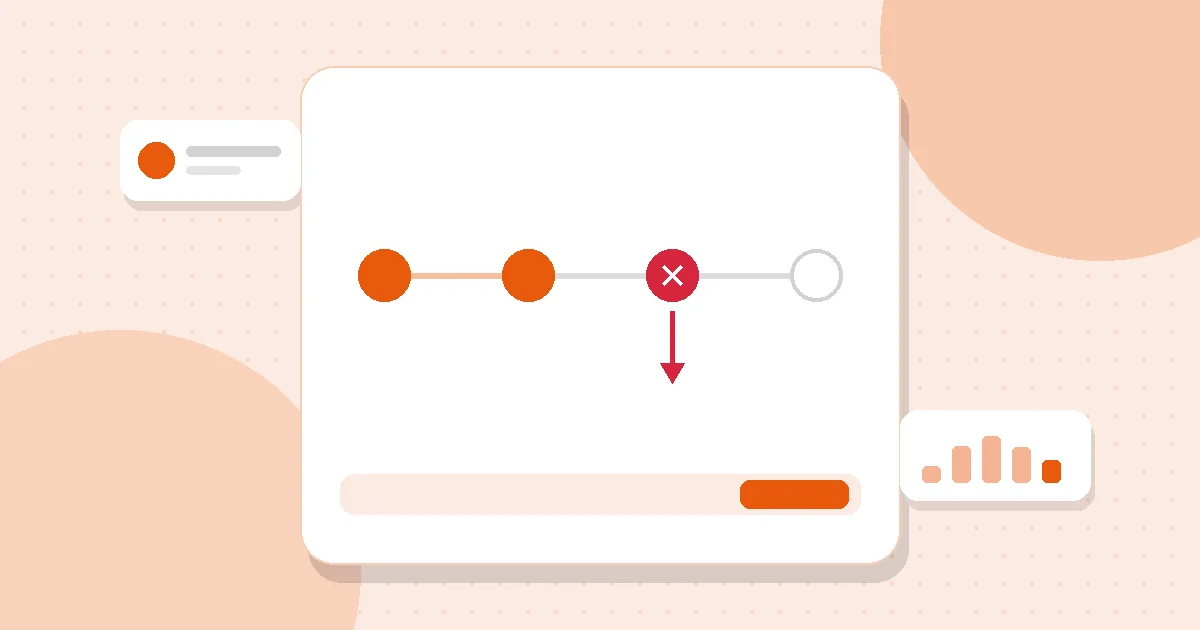
A visitor who reaches checkout has already decided they want the product. If they leave now, it’s rarely because they changed their mind — it’s because something small got in the way. A shipping cost they didn’t expect. A discount code that didn’t work. A payment method that isn’t there. A question about delivery dates.
Live chat is one of the few tools that can fix those problems in the moment.
Why people hesitate at checkout
The common reasons are practical:
- Unexpected costs — shipping, customs, taxes.
- A failing discount code.
- Missing payment options.
- Delivery doubts — “Will it arrive before Friday?”
- Account friction — forced sign-up, forgotten password.
- A last product question — size, compatibility, warranty.
Every one of these can be answered in a sentence or two.
- Spot the hesitation
- Say something specific
- Answer before they ask
- Do not be pushy
- Measure whether it works
Spot the hesitation
Two signals matter most:
- Time on page. Someone who has been on checkout for a couple of minutes is likely stuck.
- Returning to the same page. Back and forth between cart and checkout usually means a doubt.
With a live visitors view you can see who is on checkout right now, how long they’ve been there and where they came from. An invite rule can do the watching for you — for example, a gentle message after 90 seconds on any page starting with /checkout.
What to say
Be specific and easy to answer:
- “Hi! Anything I can help with before you order? Shipping, sizes or the promo code — just ask.”
- “Is the discount code giving you trouble? I can check it for you.”
- “Want to know if it’ll arrive by Friday? Tell me your postcode.”
Avoid “Can I help you?” — it’s too easy to ignore.
Answer before they ask
Some answers belong on the first screen of the chat:
- Pin your top three checkout questions — shipping cost, delivery time, returns — as FAQs. Visitors open them without starting a conversation.
- Make sure the AI agent can answer the same questions instantly at any hour.
Don’t be pushy
- One proactive message per visit, at most.
- A small bubble, not a pop-up that hides the payment form.
- Once a visitor declines, leave them alone.
Know whether it works
Compare the conversion of visitors who chatted with those who didn’t, using the purchase goal you already track. Then compare periods: the month before you added a checkout invite rule versus the month after. Look at which pages buying conversations start from — they often reveal a page that needs a clearer answer.
Remember that people who chat tend to be more interested already, so treat the comparison as a direction, not a precise figure.
The takeaway
Most checkout abandonment isn’t a lost customer; it’s an unanswered question. Watch for hesitation, say one specific helpful sentence, and fix the page when the same question keeps coming up.
Related articles
Live chat craft3 min read
Proactive chat that doesn’t annoy people
Saying hello first can rescue a sale — or feel like a pushy salesperson. Six rules for proactive messages visitors are glad to receive.
Read article
Sales & conversion2 min read
Proving what customer support is worth
Support is often seen as a cost. Connecting conversations to conversions — carefully — shows where chat earns its keep.
Read article
Sales & conversion2 min read
Pre-sales chat: twelve replies that move buyers forward
Ready-to-adapt answers for the questions people ask right before they buy — pricing, sizing, shipping, comparisons and hesitation.
Read articleTry it on your own site
A free plan with no time limit, AI agent included. One line of code.